Import Asc Folder
Import all .asc files from a folder
Overview
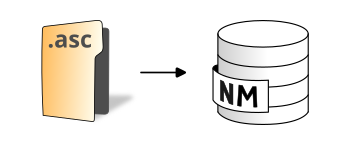
➡️ Import all files with .asc extension from a folder to the database ✅ The resulting tables will have the same name as the input files
Arguments
Mandatory inputs
pathFolder— Path of the folder📂 Path of the folder For example: c:/home/inputdata/
Type:
String
Optional inputs
downscale— Skip pixels on each axisDivide the number of rows and columns read by the following coefficient (FLOAT)
Type:
IntegerDefault:
1.0inputSRID— Projection identifier🌍 Original projection identifier (also called SRID) of the .asc file. It should be an EPSG code, an integer with 4 or 5 digits (ex: 3857 is Pseudo-Mercator projection)
Type:
Integer
Output
result— Result output stringThis type of result does not allow the blocks to be linked together.
Type:
String